Force Absolute
Force Absolute in Advanced Number Field turns a negative number in a Gravity Forms Number field into its absolute (positive) value: -5 becomes 5. Use it when a value can never be negative, such as a quantity, a length or the result of a calculation that subtracts fields.
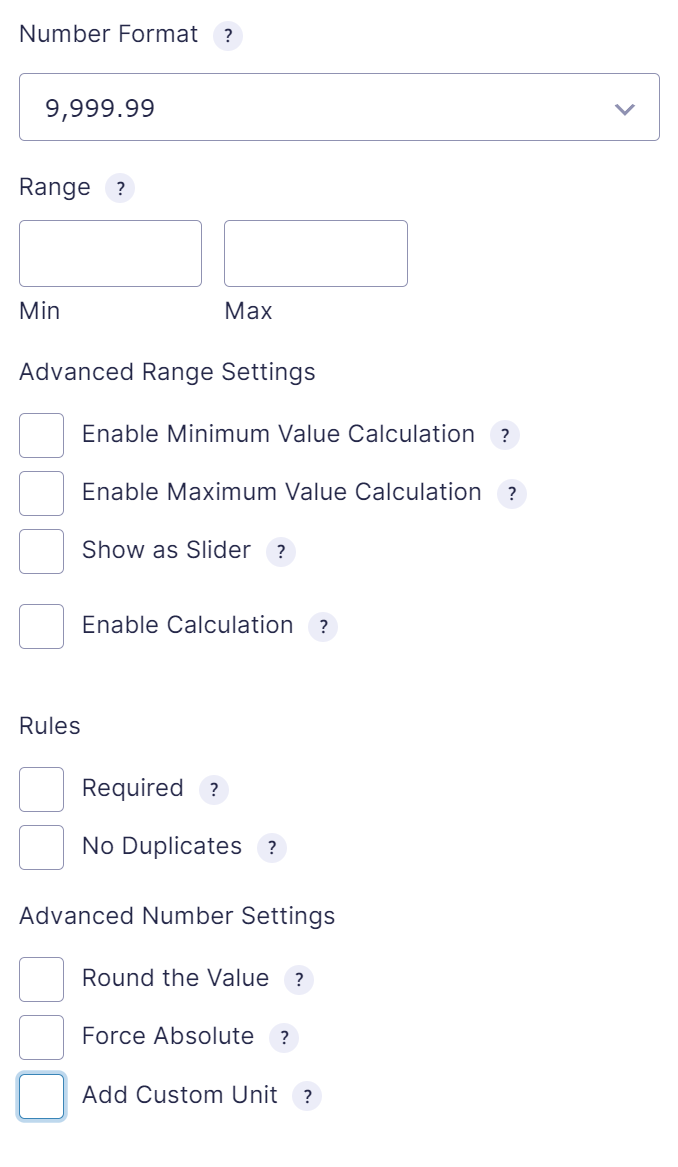
Enable Force Absolute
- Open your form in the form editor and select the Number field (or Quantity field).
- In Advanced Number Settings, check Force Absolute.
When the absolute value is applied
- When the visitor leaves the field after typing a value: -12.5 is replaced by 12.5.
- To the result of a calculation in the field.
- Before the value is saved in the entry.
- When the value is used in the calculation of another field.
Force Absolute and rounding
Force Absolute is applied before rounding. With Round the Value set to Floor and 0 decimal places, -2.7 first becomes 2.7 and is then rounded down to 2.
| Settings | Input | Result |
|---|---|---|
| Force Absolute | -5 | 5 |
| Force Absolute, Round with 2 decimals | -1.226 | 1.23 |
| Force Absolute, Floor with 0 decimals | -2.7 | 2 |
See Rounding for the rounding methods.