Crore notation
Crore notation in Advanced Number Field formats the value of a Gravity Forms Number field with the digit grouping that is common in India and nearby countries such as Pakistan, Bangladesh, Nepal and Afghanistan: the last three digits form one group and the digits before them are grouped in twos. Ten million (one crore) is shown as 1,00,00,000 instead of 10,000,000.
Enable crore notation
- Open your form in the form editor and select the Number field (or Quantity field).
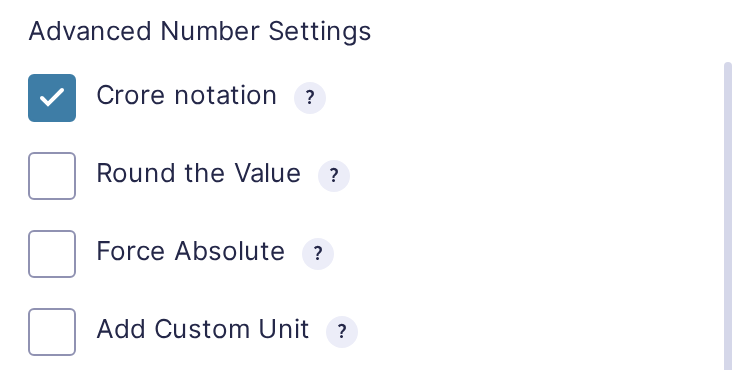
- In Advanced Number Settings, check Crore notation.
Examples

The separators follow the Number Format of the field.
| Number Format | Value | Shown as |
|---|---|---|
| 9,999.99 | 100000 | 1,00,000 |
| 9,999.99 | 10000000 | 1,00,00,000 |
| 9,999.99 | 1234567.89 | 12,34,567.89 |
| 9.999,99 | 1234567,89 | 12.34.567,89 |
With the Currency number format, the number is grouped in crore notation and shown with the symbol and separators of your Gravity Forms currency.
Where crore notation is used
- In the field, when the visitor leaves it after typing a value, and in the output of a slider.
- In the result of a calculation in the field.
- In the entry list, the entry details and field merge tags without a modifier.
- In GravityView and Gravity PDF.
The entry stores the plain number. A merge tag with a modifier, such as {Amount:1:numeric}, returns the number without crore notation.
Crore notation can be combined with Round the Value, Fixed point notation and Add Custom Unit. A value that is typed in crore notation, like 1,00,000, is accepted when the form is submitted.