Blog
Welcome to the GravityWP blog, where we share useful articles, fresh ideas, and practical guidance across Gravity Forms and other digital workflow topics. Whether you are learning, improving, or exploring new possibilities, you will find content designed to help.
Build smarter workflows with GravityWP
Explore GravityWP add-ons built to help you extend forms, connect tools, improve workflows, and create more flexible solutions for real-world use cases.
Latest Blogs
Start with our latest articles, then explore tutorials and add-ons to put each idea into practice.
-
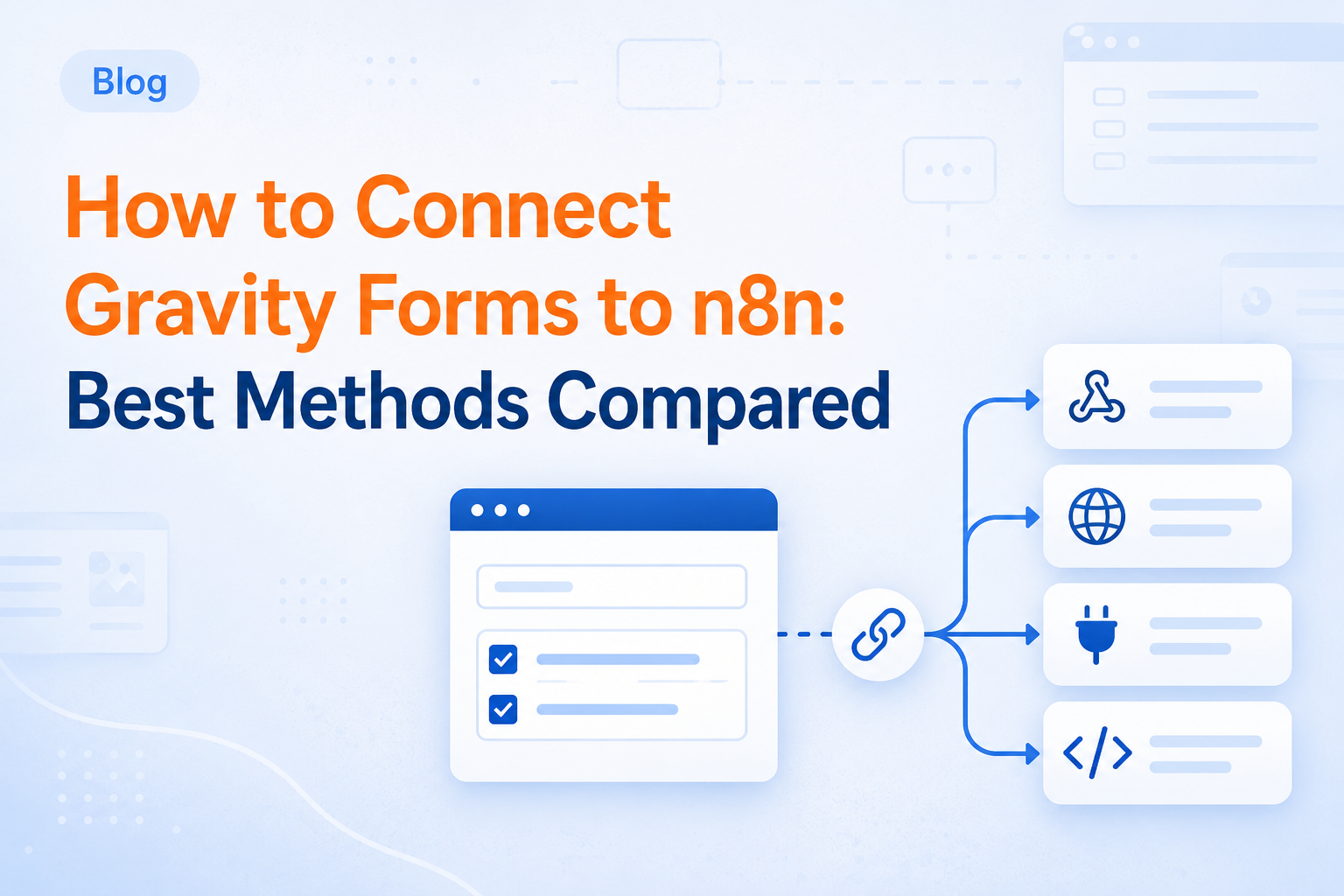
How to Connect Gravity Forms to n8n: Best Methods Compared
There is more than one way to connect Gravity Forms to n8n. This guide compares webhooks, REST API workflows, custom code, GravityWP n8n Connector, and API Connector so you can choose the right method.
-
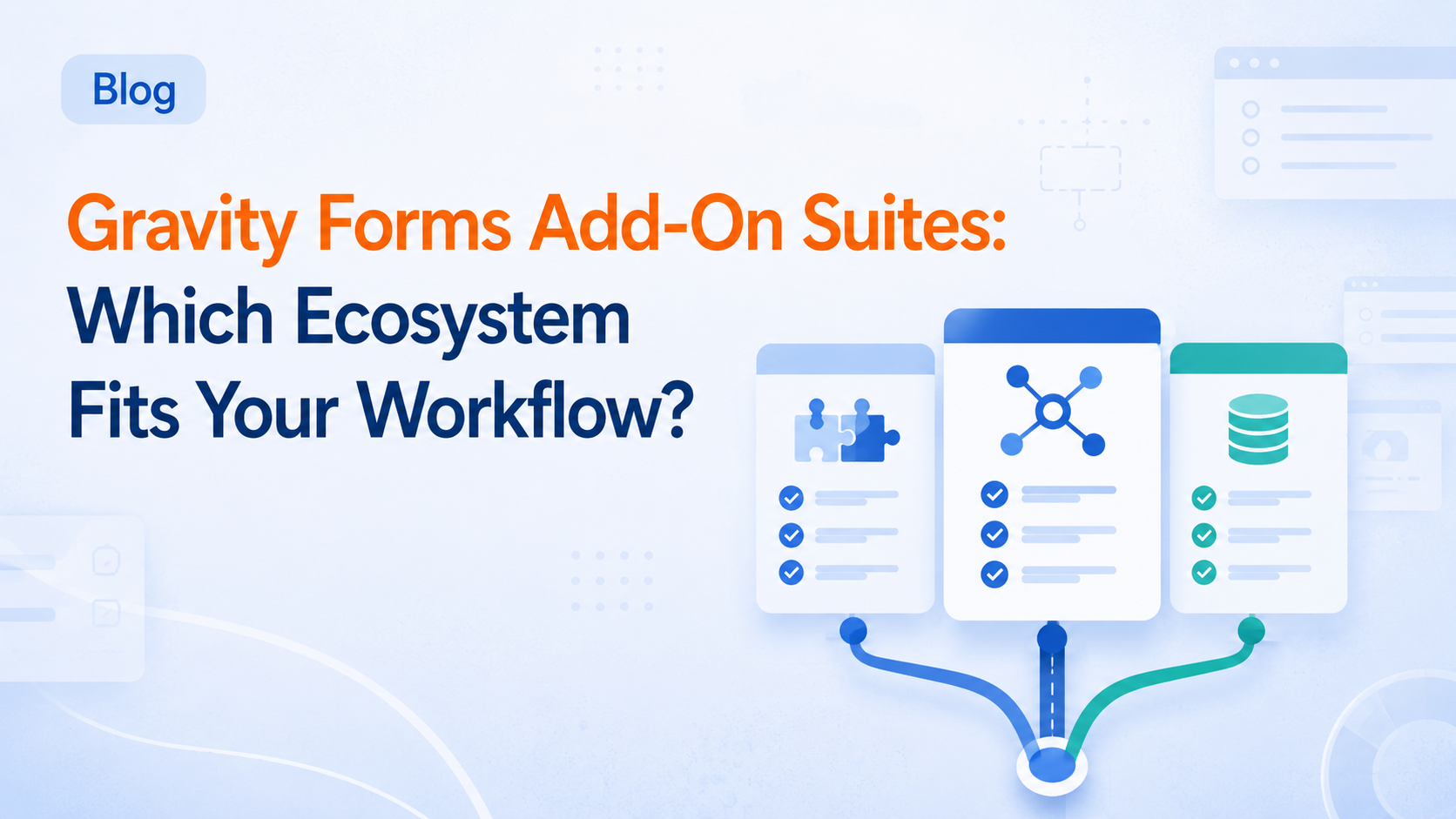
Gravity Forms Add-On Suites Compared: Which Ecosystem Fits Your Workflow?
Not every Gravity Forms add-on suite solves the same problem. This guide compares the main ecosystems by workflow so you can choose the right tools for your site.
-
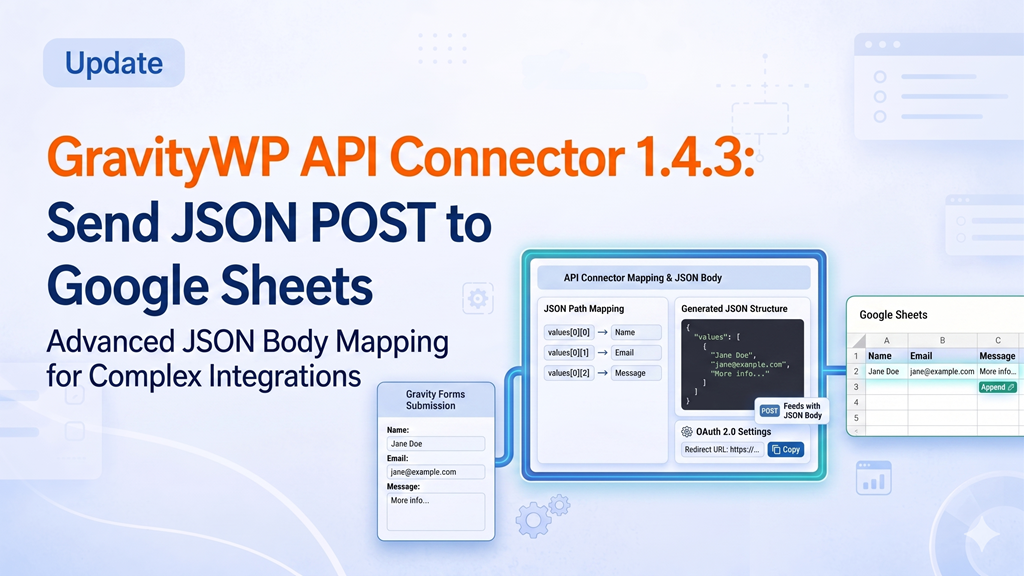
GravityWP – API Connector 1.4.3: Send JSON POST Requests from Gravity Forms to Google Sheets
GravityWP – API Connector v1.4.3 makes it easier to connect Gravity Forms to modern APIs that expect a structured JSON request body The main improvement in this update is support for JSON body format in POST feeds. This means you can now send data from a Gravity Forms submission as application/json, including nested values such as arrays and objects. That is useful for APIs like Google Sheets, CRM platforms, booking systems, accounting tools, and custom REST endpoints. In this article, we will show what changed and walk through a practical example: sending a Gravity Forms submission to the Google Sheets…
-
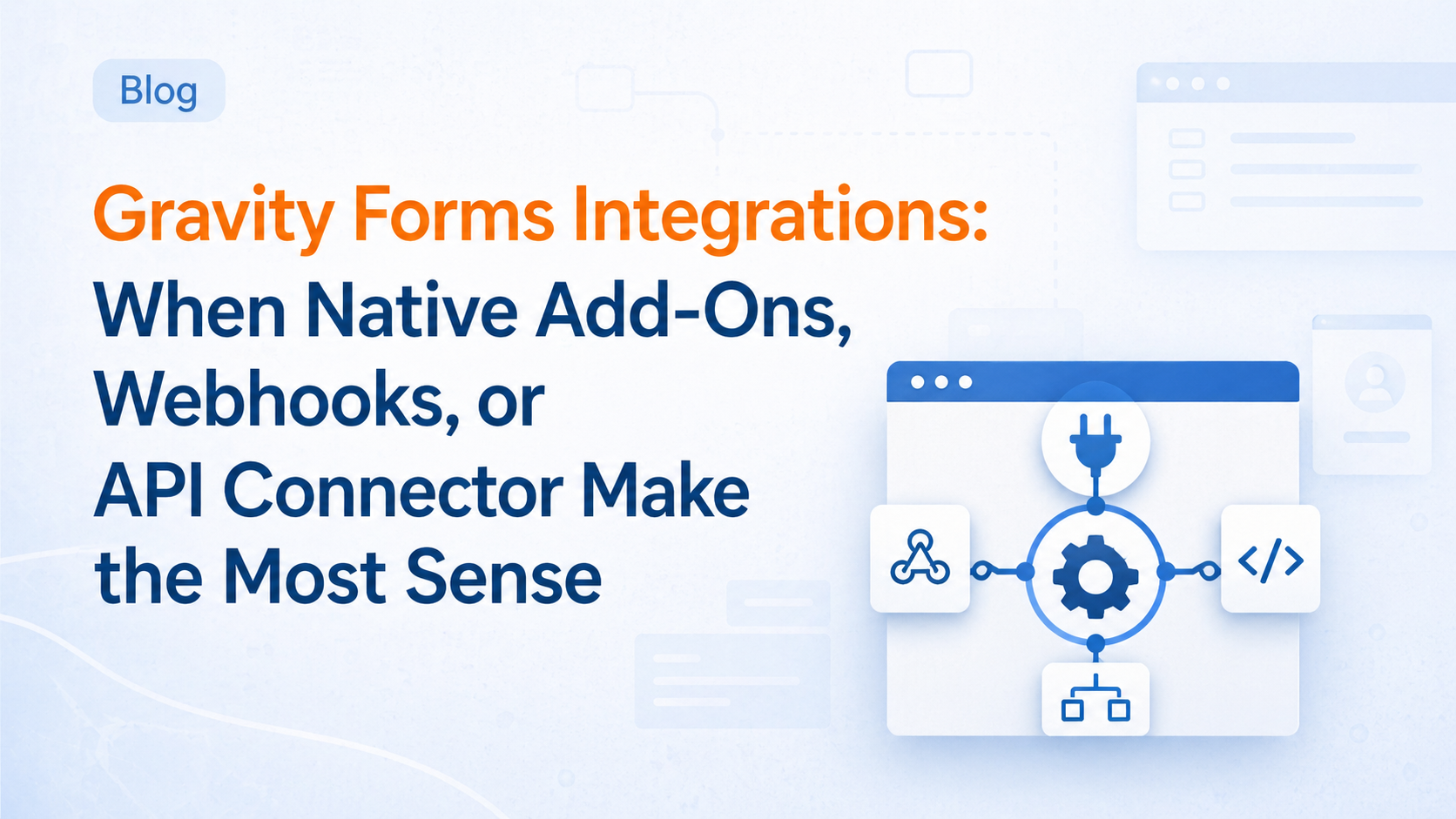
How to Integrate Gravity Forms: Add-Ons vs Webhooks vs APIs
Gravity Forms integrations are not all the same. This guide explains when native add-ons, webhooks, or API Connector make the most sense based on your workflow, data flow, and API needs.
-
Gravity Forms Entry to Database: When to Use a Custom Table
Gravity Forms entry to database becomes useful when default entries no longer match the way you want to store, map, or report on form data. This guide explains when a custom table makes more sense and where Entry to Database fits.
-
Managing Gravity Forms Entries at Scale: When Manual Editing Stops Working
Managing Gravity Forms entries one by one works for small workflows, but it becomes inefficient at scale. Learn when core tools, exports, GFAPI, WP-CLI, or Update Multiple Entries are the better fit.
-

Gravity Forms Dynamic Population: How to Prefill Fields
Gravity Forms dynamic population helps you prefill fields, reduce friction, and create a smoother form experience. Learn when to use query strings, shortcodes, PHP, JWT Prefill, or API Connector for the best result.
-

Gravity Forms + GravityView: How to Display Entries on the Front End
Learn how to display Gravity Forms entries on the front end with this definitive guide to GravityView and GravityWP. Discover the three essential layouts Multiple Entries, Single Entry, and Edit Entry and how to use them for searchable business directories, member profiles, and internal dashboards. Move beyond raw data by using Gravity Forms merge tags and Advanced Merge Tags to format, clean, and calculate your output for a professional, user-friendly experience. Turn your form submissions into a powerful front-end content system without writing custom code.
-
Gravity Forms Shortcode Guide: Real Examples, Parameters, and the Best Ways to Embed Forms in WordPress
Master Gravity Forms shortcodes with this comprehensive guide. Learn how to easily embed forms, customize field visibility, and use advanced parameters like dynamic population and AJAX to enhance user experience. Whether you’re a beginner or a power user, unlock the full potential of Gravity Forms shortcodes to streamline your WordPress site today.
-
10 Best Gravity Forms Integrations for 2026 by Use Case
Unlock the full potential of your WordPress forms with the 10 best Gravity Forms integrations for 2026. This comprehensive guide breaks down the three primary connection routes Official Add-ons, Webhooks, and API-based workflows to help you choose the right tool for the job. Whether you are syncing leads to HubSpot or Salesforce, managing records in Airtable, or building custom GET/POST requests with the API Connector, learn how to transform your form entries into powerful business automations. Move beyond simple data collection and start leveraging real-time response mapping and intelligent record lookups today.
-
n8n vs Zapier for Gravity Forms: Which One Is Better in 2026?
Compare n8n vs Zapier for Gravity Forms in 2026. See pricing, ease of use, self-hosting, AI features, and which one fits best.
-
Gravity Forms Merge Tags Explained: Unlock Dynamic Content with Modifiers
Learn how Gravity Forms merge tag modifiers work, including :value, :label, :price, :qty, :currency, :img_url, :admin, :id, and :numeric. This practical guide explains field compatibility and includes real examples for emails, confirmations, and templates.
-
Gravity Flow Workflow Steps: Which Type Should You Use?
Need workflows across multiple forms? This guide covers core Gravity Flow step types and the Form Connector steps that create, update, sync, and delete entries, so you can build parent-child workflows without copying data manually.