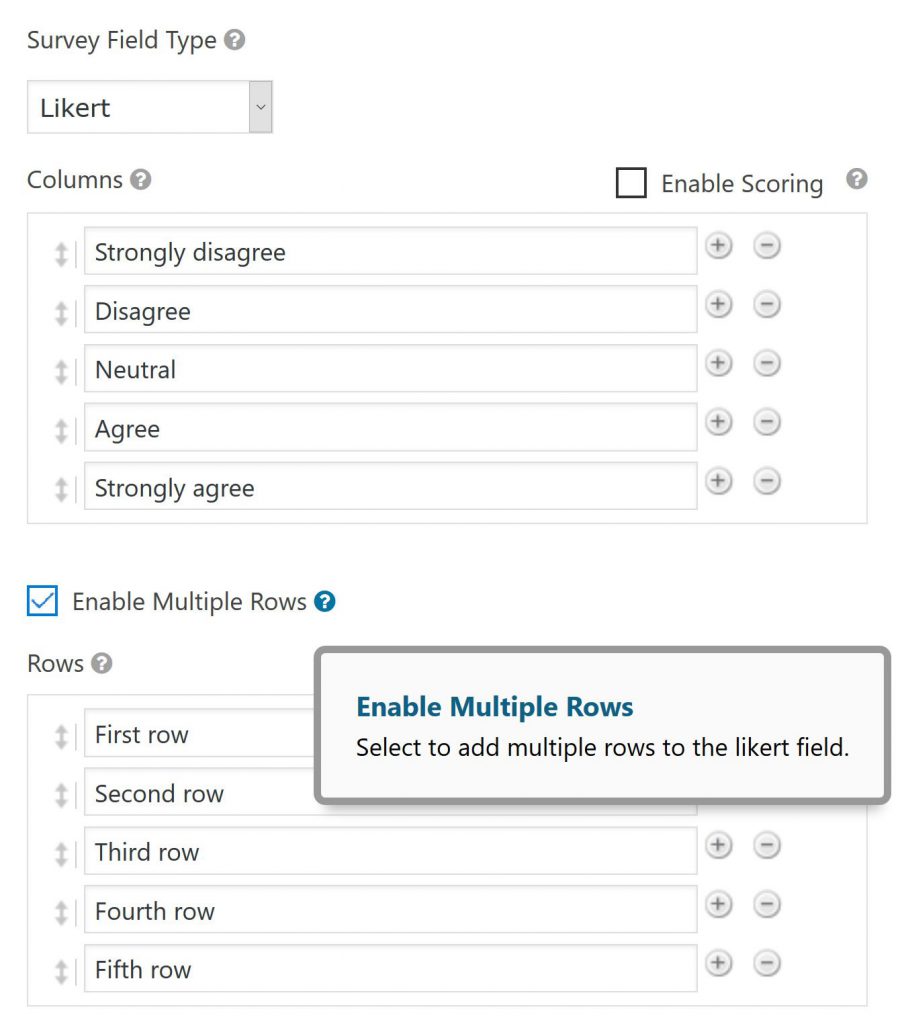
Do you want to show a Likert scale question in your Gravity Forms? With the Survey Add-On for Gravity Forms that’s easy to do. It also provides an option to define Multiple Rows to make a multi dimensional Likert Scale Question (both horizontal as vertical labels).
Adding a multiple rows Likert Scale question
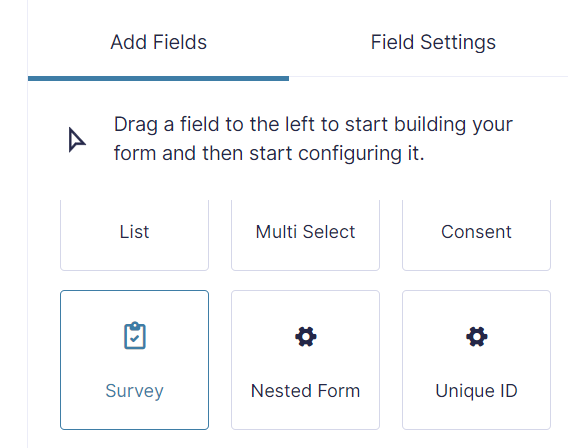
You can add a simple Likert Scale question (only one row) or a Multiple Rows Likert Scale question. You do this by adding a Survey Field:
And choose under Survey Field Type for ‘Likert’:
Gravity Forms Survey Add-on
To get the Survey Field as an Advanced Field in your Gravity Forms, you need to install the Survey Add-on for Gravity Forms (Rocketgenius).
Our Premium add-ons for Gravity Forms

List Number Format
With this Gravity Forms Add-on you can change List Field columns into a number field, do calculations within a row or column. Extra merge tags are available with total counts of columns.

Update Multiple Entries
Trigger the update of multiple entries in a target form by submitting an entry in a trigger form.

Advanced Number Field
Functionality for Number Fields, like rounding or only absolute numbers, fixed point notation, range calculation, custom units like % or m2 & show as slider.

List Dropdown
Add a Dropdown Select with choices to a column or multiple columns in a Gravity Forms List Field.
Read tutorials about

Gravity Forms Airtable Integration: Create Records From Form Submissions
Learn how to build a Gravity Forms Airtable integration with GravityWP API Connector. Send form submissions to Airtable, create new records automatically, and save the returned Airtable Record ID and response back to Gravity Forms.

Gravity Forms Asana Integration: Create Tasks From Form Submissions
Learn how to connect Gravity Forms to Asana with GravityWP API Connector. This tested workflow creates Asana tasks from form submissions and saves the returned task ID and URL back to Gravity Forms.

Gravity Forms Google Calendar Integration: Create Events From Form Submissions
Connect Gravity Forms to Google Calendar with GravityWP API Connector. Learn how to create calendar events from form submissions, map event details, configure OAuth 2.0, handle time zones, and save the returned Event ID and URL.

Gravity Forms Notion Integration: Create Database Pages Without Zapier
Connect Gravity Forms to Notion without Zapier. This tested tutorial shows how to create Notion database pages from form submissions and save the returned page ID, URL, creation time, and API response.

