Gravity PDF by Blue Liquid Designs is the most user friendly solution for generating PDF documents using data from Gravity Forms entries.
About Blue Liquid Designs
| Developer | Blue Liquid Designs |
| Started | 2012 |
| Documentation | gravitypdf.com/documentation |
| Listed | gravityforms.com/developers/blue-liquid-designs |
| Languages | 2 languages (2018) |
| Main plugin | Gravity PDF |
| Extensions | PDF Themes / templates, Previewer Add-on, Core Booster, Bulk Generator, Reports for GFChart, Watermark |
Features Gravity PDF
With Gravity PDF you can automatically generate, email and download PDF documents with tons of options to style your documents, for example with custom fonts, colors and even custom PDF templates. This is by far the best free add-on available for Gravity Forms at the moment.
Overview of features:
- Custom PDF templates:
Create your own custom PDF template files in PHP, with a lot of extra options for developers to make PDF’s pixel perfect. - Add images from GF in your PDF:
You can include images people uploaded to your site in a Gravity Form into the PDF file. - Use your own font:
Easy to add custom fonts and use them inside your PDF file, styled in a way that is appropriate for your organisation. - Conditional logic:
You can use the powerful conditional logic to create very specific PDF documents. - Security protocols:
PDF’s are created on your own server, so no data is send to other places (it’s all happening on your own site). The Gravity PDF team also has different protocols in place to make generating PDF’s with Gravity Forms data as secure as possible. - Attach PDF to e-mail notifications:
You can easily select which PDF or multiple PDF’s should be send as an attachment to notification e-mails in Gravity Forms. - Connect PDF with Gravity Flow:
For example if you want Users to give approval to a PDF or when you want to send specific PDF”s on different moments in the Workflow.
Screenshots
Add multiple PDF’s to one Gravity Form: With Gravity PDF you can generate multiple different PDF files based on entries in Gravity Forms. You can use all available information users entered in the form and show it the way you want.
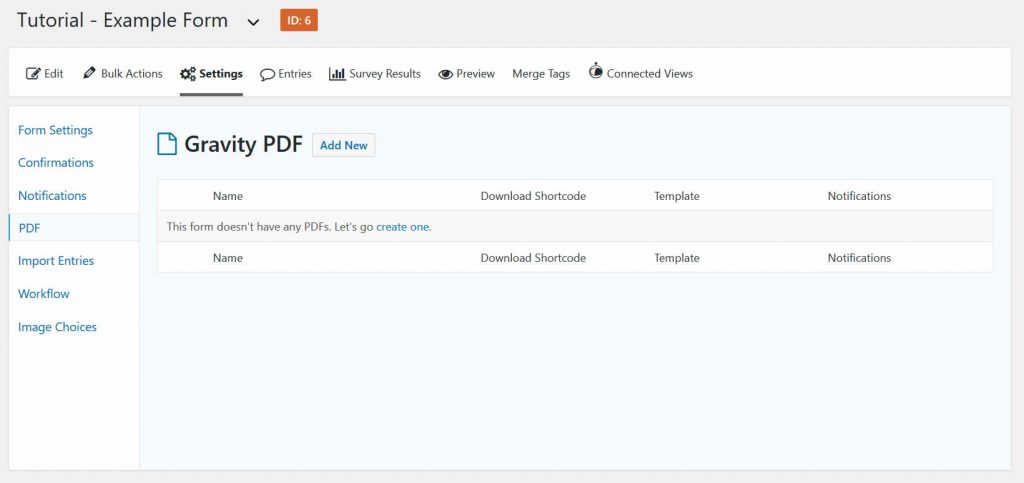
Basic Settings new PDF file: You can give your PDF generation process a name (this is only for the wp-admin area, it’s not the file name itself). You can choose a default, premium or custom made template for your PDF, you can choose to which notifications you add this specific PDF and you can create a custom filename for the PDF. This can be a default name, but you can also use mergetags to create unique PDF filenames.
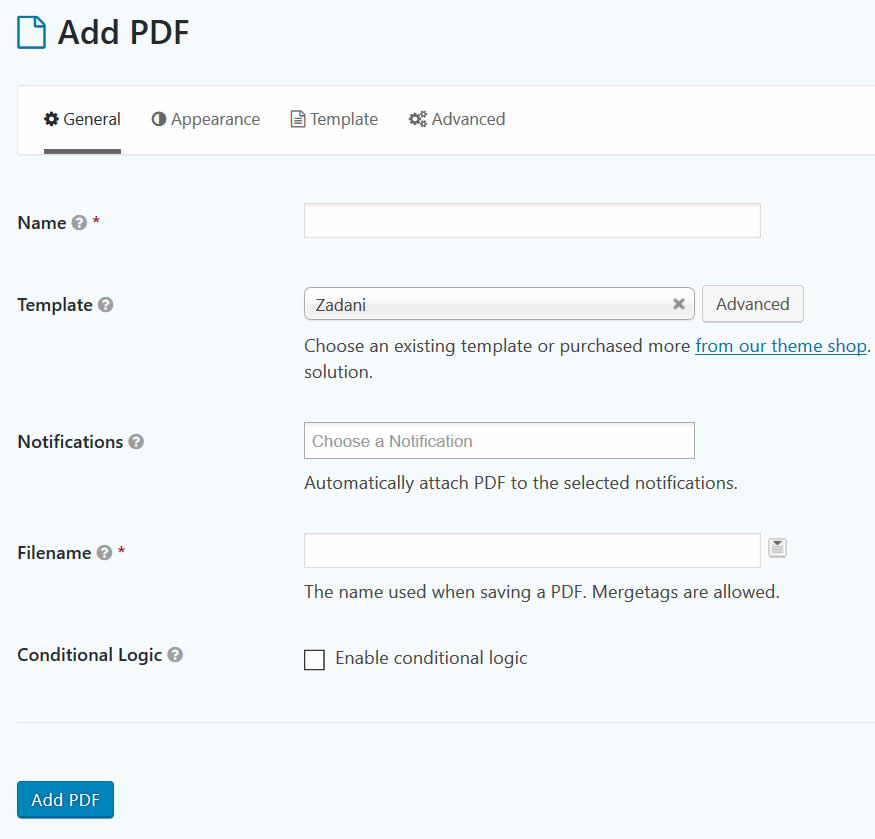
Appearence settings PDF: You can choose paper-size, orientation, font (even add custom fonts to use to really style it in a way that is suitable for your company or organisation), font-size, font color and RTL.
Tutorials Gravity PDF
[gravitywp_custom_post_cards post_type=’tutorial’ numberposts=100 terms=5 col=6 ]
Our Premium add-ons for Gravity Forms
List Text
Add features like textarea, placeholder and custom validation to a column or multiple columns in a Gravity Forms List Field.

List Dropdown
Add a Dropdown Select with choices to a column or multiple columns in a Gravity Forms List Field.

JWT Prefill
Fill forms with data you can trust. Prefill Gravity Forms fields with a secure token instead of links with editable url parameters, so your data is accurate, tamper-proof, and ready to use.

Advanced Merge Tags
This Gravity Forms Add-On adds extra Merge Tag modifiers (and a lot of power). From the most common used functions like capitalize and length to changing date formats.
Read tutorials about

Gravity Forms Notion Integration: Create Database Pages Without Zapier
Connect Gravity Forms to Notion without Zapier. This tested tutorial shows how to create Notion database pages from form submissions and save the returned page ID, URL, creation time, and API response.

Gravity Forms ClickUp Integration: Create Tasks Without Zapier
Create a Gravity Forms ClickUp integration without Zapier. This step-by-step tutorial shows how to create ClickUp tasks from form submissions, map priority and requester data, and save returned task details back into Gravity Forms.

Gravity Forms Zendesk Integration: Create Support Tickets Without Zapier
Create Zendesk support tickets from Gravity Forms submissions with GravityWP API Connector and OAuth 2.0, then save returned ticket data in the original entry.

Gravity Forms Discount Code Field: Apply Fixed or Percentage Discounts in a Form
Learn how to create a Gravity Forms discount code field that applies fixed or percentage discounts. This tutorial shows how to calculate subtotals, discount amounts, and final totals using tested form logic.


Author: Erik van Beek
Published: 16-03-2018
Last update: 05-03-2026