Do you want to show tooltips in your Gravity Forms (with extra information about a certain field)? With Gravity Forms Tooltips you can add HTML and shortcode inside your Tooltips. Even for every radio button and checkbox item.
Adding a Tooltip
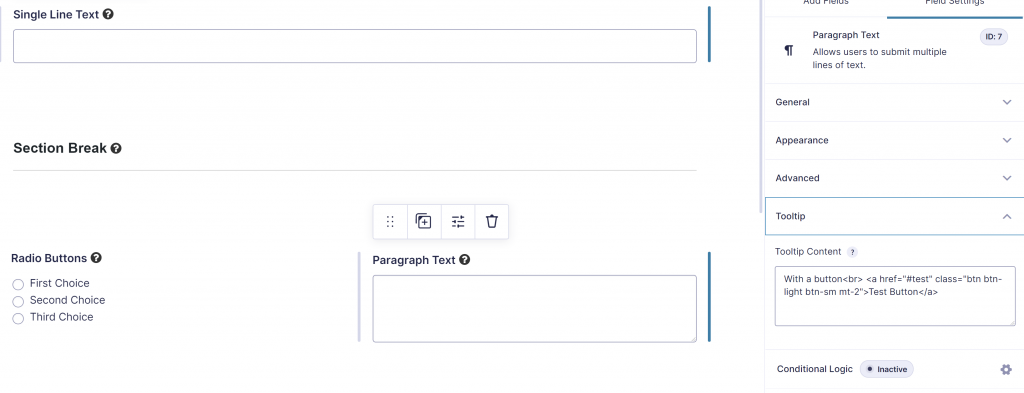
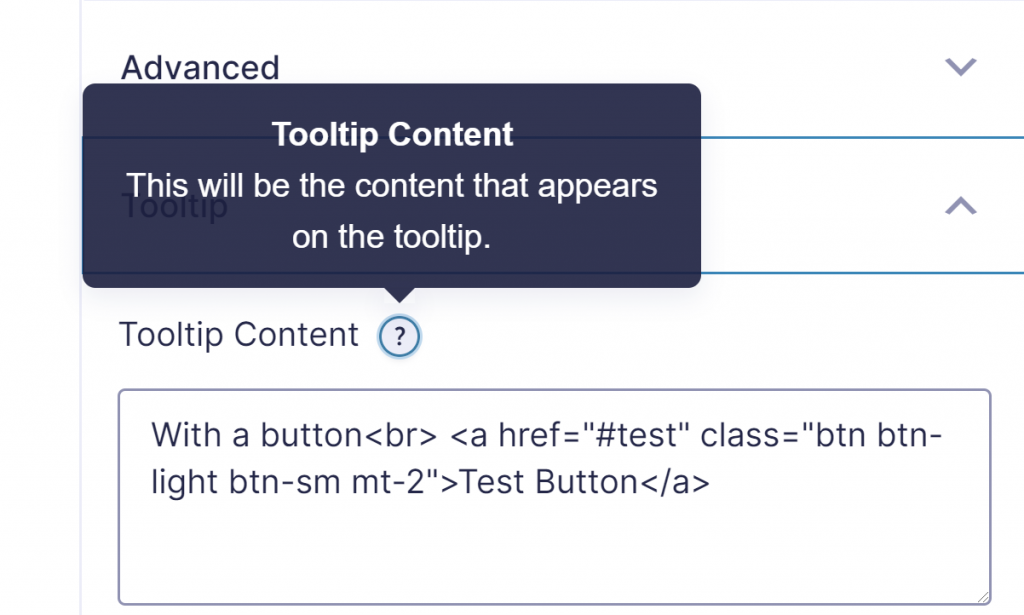
After activating the Gravity Forms Tooltips Add-on for Gravity Forms you’ll find an extra Field Settings tab called ‘Tooltip’. In it you can add the text and use HTML.
Shortcode and HTML inside Tooltip
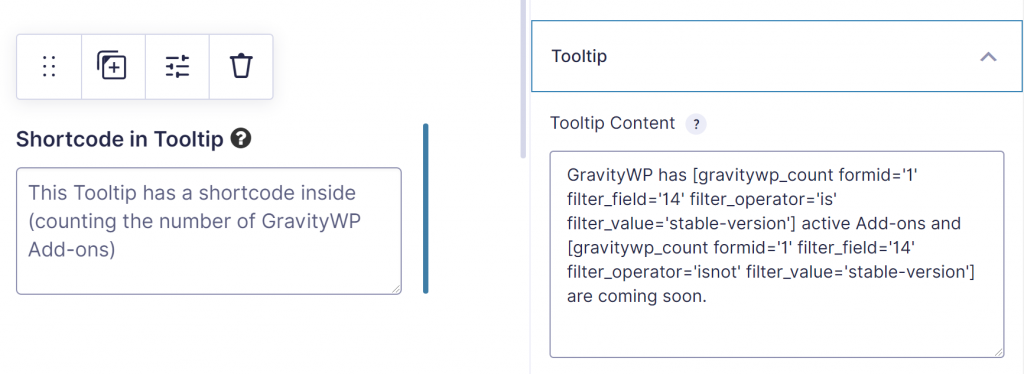
You can use HTML and WordPress shortcodes inside the HTML Tooltip. We tried it with the GravityWP – Count add-on, our shortcode to filter and count entries (or a sum of a Number Field for multiple entries) and used it inside the Tooltip. Works like a charm.
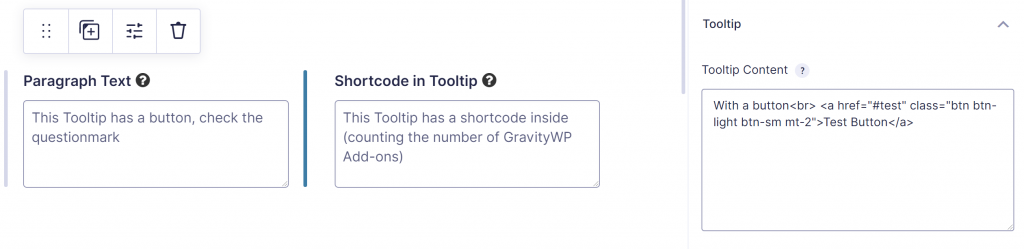
We also used HTML inside the Tooltip, adding a button (Bootstrap styled). This is also allowed:
Styling Gravity Forms Tooltips
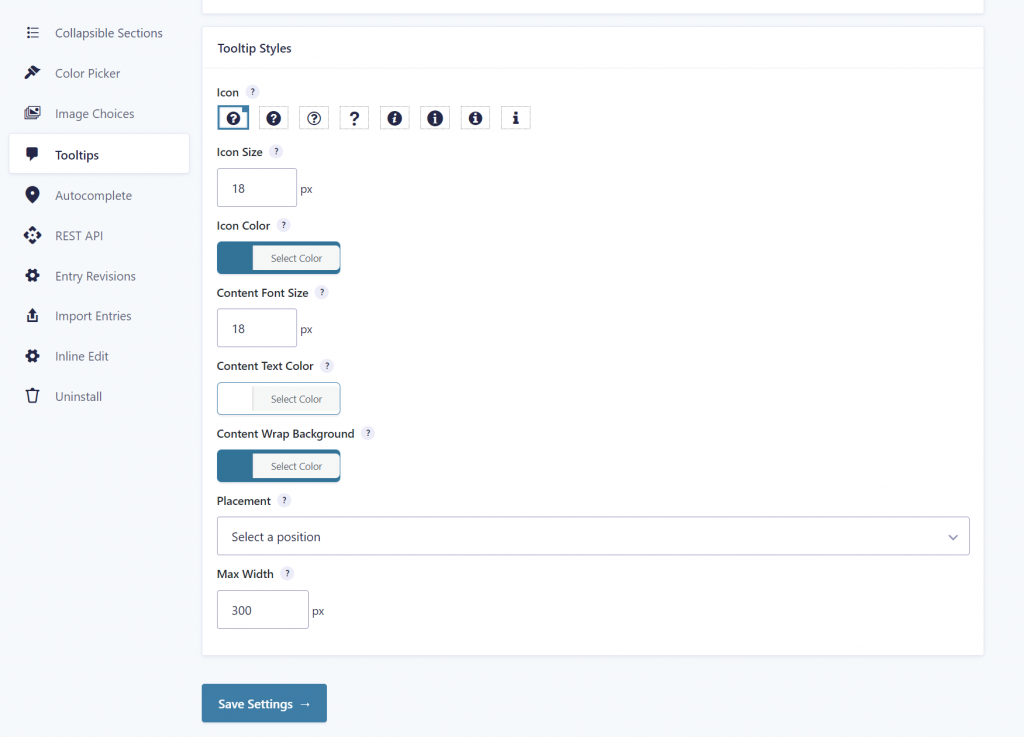
You can style how the Tooltip looks like in the Gravity Forms Settings > Tooltips page. Options:
- Pick an icon for the Tooltip and define the Icon Size and the Icon color
- Tooltip content Font Size, Text Color and Background Color
- Placement of the Tooltip: Top Left, Top, Top Right, Right, Bottom Right, Bottom Left, Left
- Set a maximum width of the Tooltip
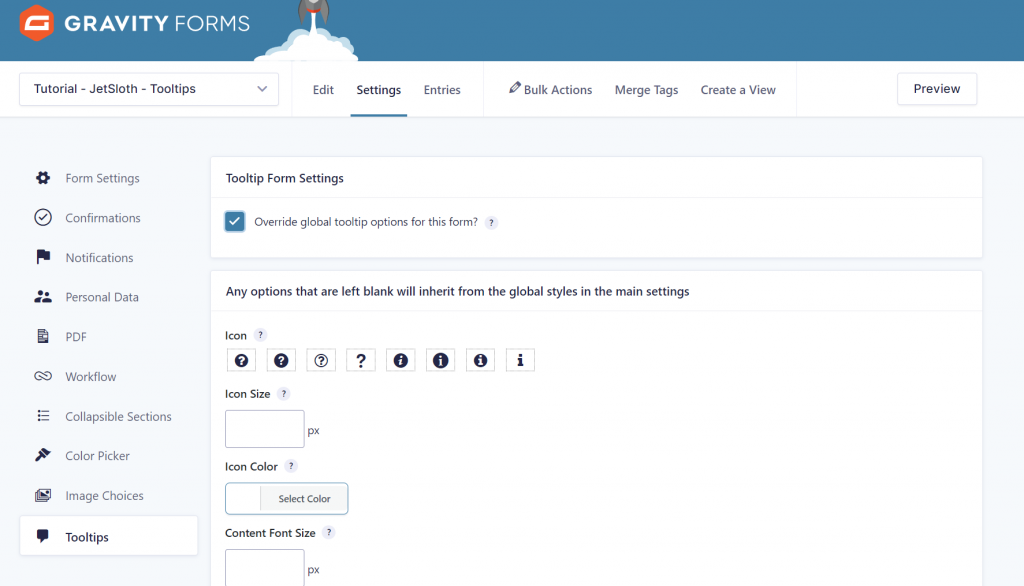
If you want to style the Tooltip for an individual Form, go to settings to Override the global tooltip options.
Our Premium add-ons for Gravity Forms

Entry to Database
Integrates Gravity Forms with internal or external databases, offering flexible mapping of form fields to database columns and real-time synchronization between entries and database rows.
List Datepicker
Add a Datepicker with calendar select to a column or multiple columns in a Gravity Forms List Field.

Advanced Number Field
Functionality for Number Fields, like rounding or only absolute numbers, fixed point notation, range calculation, custom units like % or m2 & show as slider.

Advanced Merge Tags
This Gravity Forms Add-On adds extra Merge Tag modifiers (and a lot of power). From the most common used functions like capitalize and length to changing date formats.
Read tutorials about

Gravity Forms Airtable Integration: Create Records From Form Submissions
Learn how to build a Gravity Forms Airtable integration with GravityWP API Connector. Send form submissions to Airtable, create new records automatically, and save the returned Airtable Record ID and response back to Gravity Forms.

Gravity Forms Asana Integration: Create Tasks From Form Submissions
Learn how to connect Gravity Forms to Asana with GravityWP API Connector. This tested workflow creates Asana tasks from form submissions and saves the returned task ID and URL back to Gravity Forms.

Gravity Forms Google Calendar Integration: Create Events From Form Submissions
Connect Gravity Forms to Google Calendar with GravityWP API Connector. Learn how to create calendar events from form submissions, map event details, configure OAuth 2.0, handle time zones, and save the returned Event ID and URL.

Gravity Forms Notion Integration: Create Database Pages Without Zapier
Connect Gravity Forms to Notion without Zapier. This tested tutorial shows how to create Notion database pages from form submissions and save the returned page ID, URL, creation time, and API response.