If you’re looking for good and experienced Gravity Forms developers, we advice you to hire the experts of Aiwos BV. Aiwos is by far the most professional, dedicated and fun company to find the expert support you need to help you with your WordPress, Gravity Forms, GravityView and Gravity Flow questions.
Complex Gravity Forms
Aiwos built more than a thousand forms for different clients. See their cases for examples of portals, websites and platforms they configured. If you need help with one of the following questions, please contact Aiwos to see if they can help you.
- How can I build complex forms with Gravity Forms?
- How can I fill in data in my Gravity Form for known visitors (with a JSON Webtoken or filling a Save and Continue link)?
- How can I use complex conditional logic in my form?
- How can I integrate and connect different Gravity Forms together?
- How can I add customizations to my Gravity Forms fields and Merge Tags?
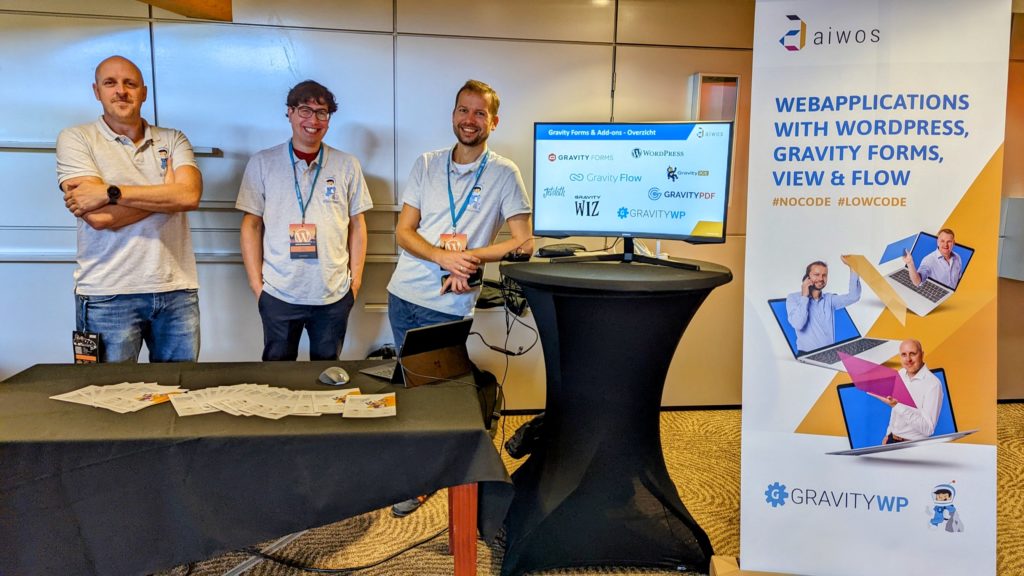
WordPress Workflow Specialist
Aiwos is specialized in creating complex Workflows inside WordPress with Gravity Forms in combination with Gravity Flow. Gravity Flow let’s you define workflow steps to manipulate data, copy data, extend data, get approvals and much more. They also developed several custom Gravity Flow steps, following the step framework.
If you need any help with configuring or extending Gravity Flow, feel free to contact Aiwos.
The Aiwos Expert team

The Aiwos team consists of 7 specialists who do not shy away from any WordPress challenge. Everyone works from a different location. We meet at the client’s office or at one of our regular meeting places in Rotterdam. And what else connects us? The online game Surviv.io is the favorite team activity after a busy day at work.
Read here more about the company and the team.
Expertise Aiwos
Process design
- Workflows
- Data collection / Enter data
- Data enrichment
- data processing
- Displaying (relational) data
- Dashboard development
Specialization
- PHP
- HTML/CSS
- WordPress
- Gravity Forms
- Gravity Flow
- Gravity View
Design
- Visual design*
- Theme Development
*The specialists at Aiwos know how to translate your corporate identity into a suitable design for a (renewed) platform. Do you not have a web design available or do you want to have a new concept developed? Then we involve a designer from our network.
Our Premium add-ons for Gravity Forms

JWT Prefill
Fill forms with data you can trust. Prefill Gravity Forms fields with a secure token instead of links with editable url parameters, so your data is accurate, tamper-proof, and ready to use.
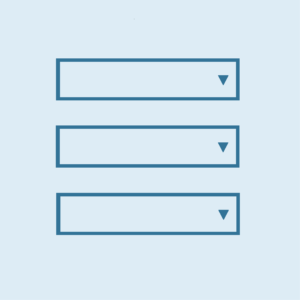
List Dropdown
Add a Dropdown Select with choices to a column or multiple columns in a Gravity Forms List Field.
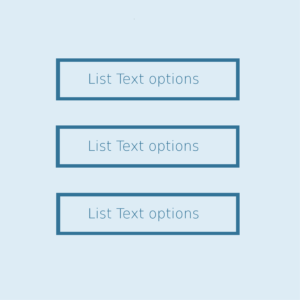
List Text
Add features like textarea, placeholder and custom validation to a column or multiple columns in a Gravity Forms List Field.

All Entries
All your new Gravity Forms entries in one central place. Stop navigating between multiple forms to find new entries. Get immediate oversight and full control with a powerful, unified dashboard.
Read tutorials about
How to Validate Repeatable Contact Rows in Gravity Forms
Learn how to validate repeatable Gravity Forms List field rows with GravityWP List Text. This tutorial shows how to add email and regex validation, test invalid values, and confirm that valid team roster data is stored correctly.

Gravity Forms Airtable Integration: Create Records From Form Submissions
Learn how to build a Gravity Forms Airtable integration with GravityWP API Connector. Send form submissions to Airtable, create new records automatically, and save the returned Airtable Record ID and response back to Gravity Forms.

Gravity Forms Asana Integration: Create Tasks From Form Submissions
Learn how to connect Gravity Forms to Asana with GravityWP API Connector. This tested workflow creates Asana tasks from form submissions and saves the returned task ID and URL back to Gravity Forms.

Gravity Forms Google Calendar Integration: Create Events From Form Submissions
Connect Gravity Forms to Google Calendar with GravityWP API Connector. Learn how to create calendar events from form submissions, map event details, configure OAuth 2.0, handle time zones, and save the returned Event ID and URL.


Author: Erik van Beek
Published: 08-01-2018
Last update: 10-03-2026