GFCharts by Mensard is the best chart / calculation add-on for Gravity Forms out there. Do you want to show data from your Gravity Forms as bar chart, a pie chart or even a 3D Pie Chart or a donut chart inside your blog posts and pages? This is the way to do it. Easily chart and count information captured via Gravity Forms with the plugin GFChart. This plugin is an extension to WordPress Gravity Forms. It empowers you to showcase a visual snapshot summary of form submissions – automatically.
About Mensard
| Developer | Mensard |
| Started | 2014 |
| Documentation | gfchart.com/faqs |
| Listed | gravityforms.com/developers/gfchart |
| Languages | English |
| Main plugin | GF Chart |
| Extensions | GFChart GravityView extension, Charting vs time |
Examples GFChart
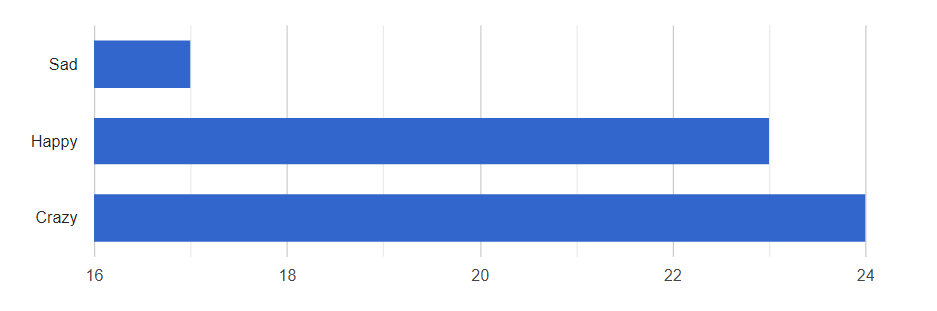
Bar Chart
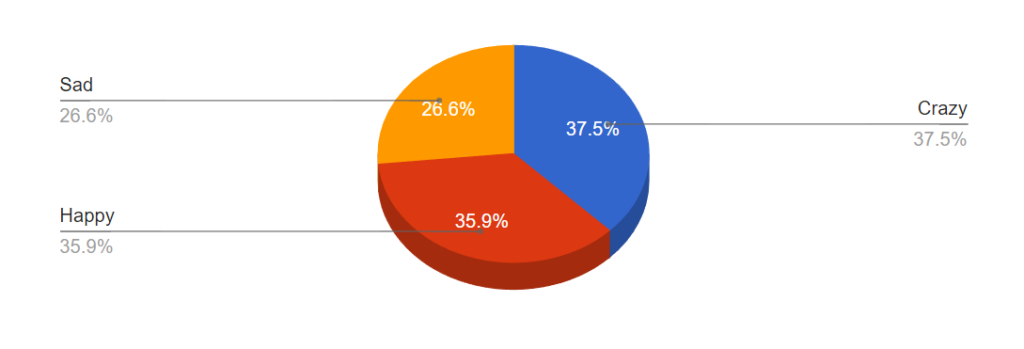
3D Pie Chart
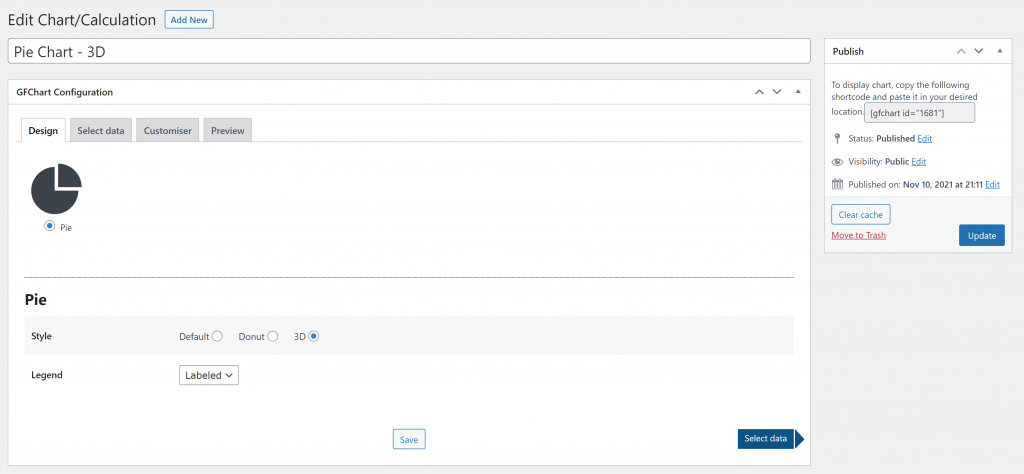
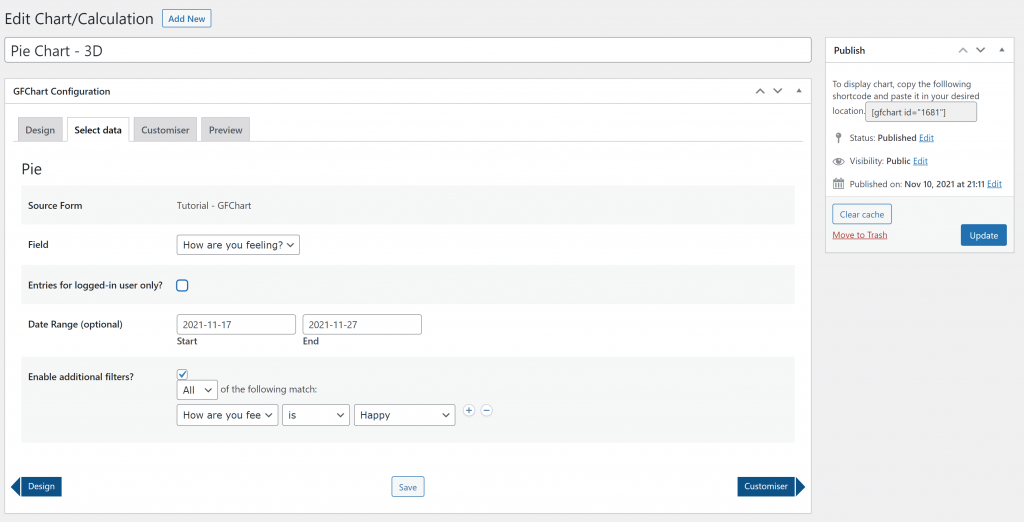
User Interface
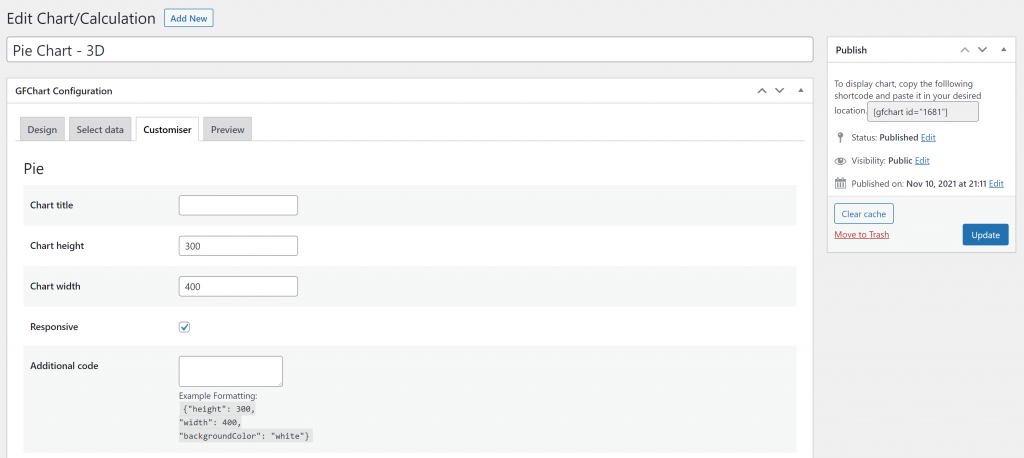
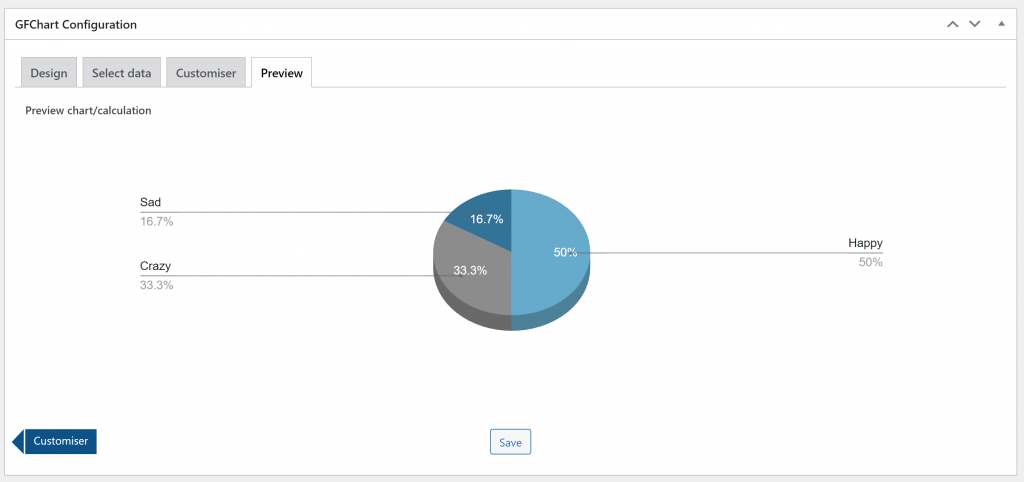
Tutorials GFChart
[gravitywp_custom_post_cards post_type=’tutorial’ numberposts=100 terms=41 col=6 ]
Our Premium add-ons for Gravity Forms
List Datepicker
Add a Datepicker with calendar select to a column or multiple columns in a Gravity Forms List Field.

JWT Prefill
Fill forms with data you can trust. Prefill Gravity Forms fields with a secure token instead of links with editable url parameters, so your data is accurate, tamper-proof, and ready to use.

n8n Connector
Connect Gravity Forms to n8n and automate your workflows with secure, flexible, and powerful webhooks. Go beyond simple notifications and build advanced, two-way automations.

List Dropdown
Add a Dropdown Select with choices to a column or multiple columns in a Gravity Forms List Field.
Read tutorials about

How to Create a Public Submission Business Directory in WordPress (Gravity Forms + GravityView)
Build a moderated business directory where users submit listings through a form, admins approve entries, and approved businesses appear in a searchable GravityView directory.

How to Create an Event Workshop Registration + Waitlist System in WordPress
This guide shows how to set up a workshop registration + waitlist system in WordPress: register attendees until capacity is reached, waitlist the rest, approve entries, and auto-promote people when a seat opens using Gravity Forms, Gravity Flow, and GravityView.

Gravity Flow Form Submission Step Tutorial
The Gravity Flow Form Submission step pauses a workflow until another form is submitted, then continues once the handoff is complete. This guide shows how to connect two forms, prefill fields with mapping, send the correct secure link, and troubleshoot the most common “workflow didn’t move” issues.

Gravity Flow Delete an Entry Step Tutorial
The Gravity Flow Delete Entry step lets you trash or permanently remove Gravity Forms entries as part of a workflow. This guide covers the key settings, scheduling options (delay or date-based), and safe testing tips so you can follow retention and privacy rules with confidence.


Author: Erik van Beek
Published: 25-02-2018
Last update: 05-03-2026