You want visitors or users to rank different answers (set them in a specific order)? The survey Add-On for Gravity Forms makes that possible. You can give different options and ask your visitor to rank them a certain way, for example the best highest and the worst lowest.
Survey Add-on
The Star Rating field is available after you install the Survey Add-on from Rocketgenius.
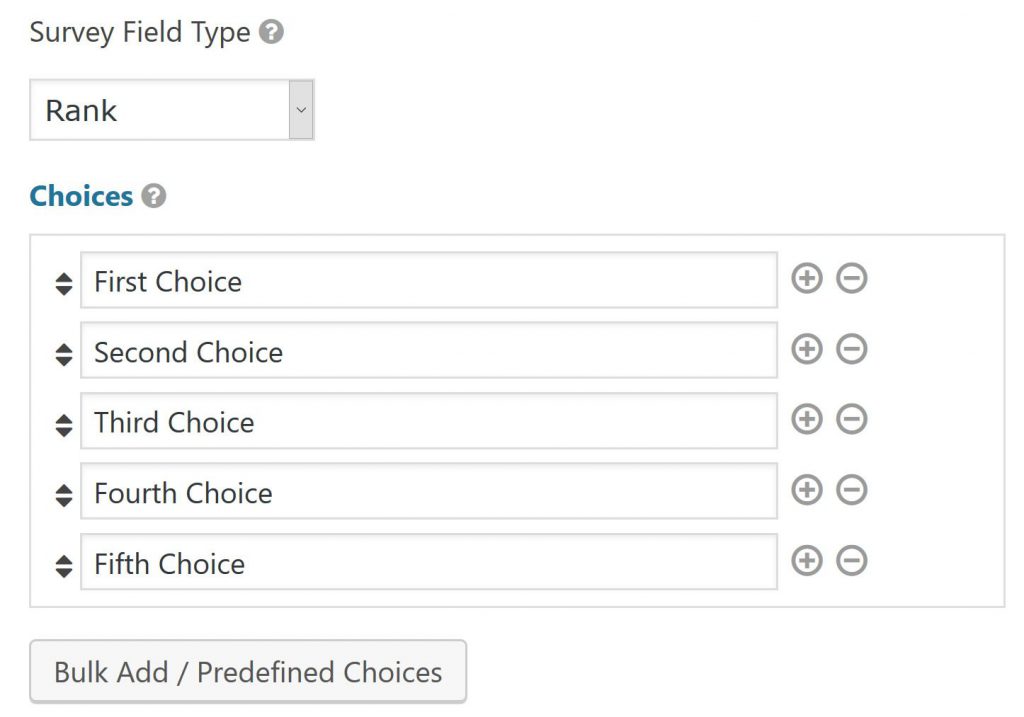
How to add the Ranking Gravity Forms survey field?
You can easily add a Gravity Forms ‘Survey’ Field to your form, once you installed the plugin. After selecting it, make a choice for Survery Field Type: ‘Rank’. You can order it the way you want. Just try and see how it works.
Adding pictures (images) to Ranking Question in Gravity Forms
This works the same as inserting images in Radio Buttons and Checkboxes.
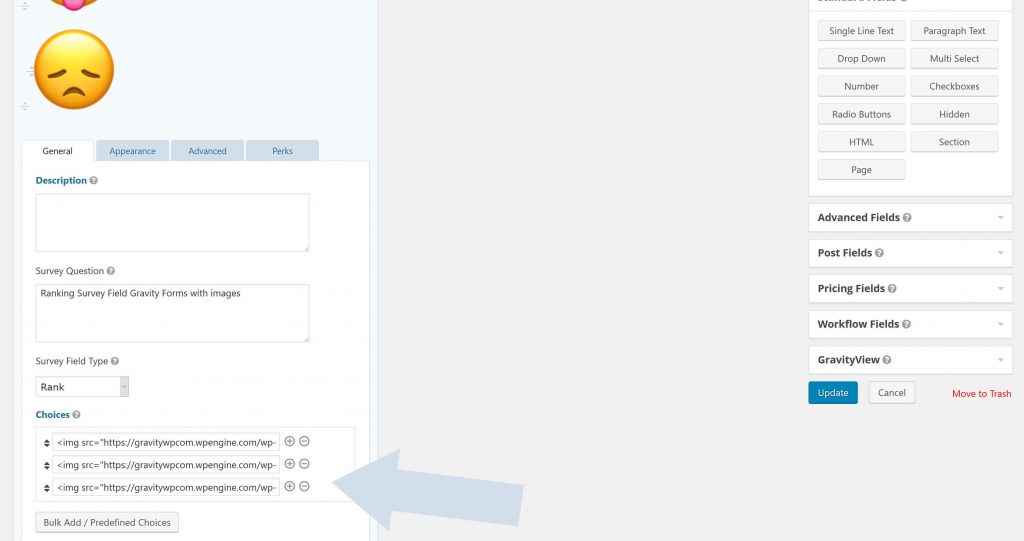
<img src="happy.png" alt="Happy"></img>
<img src="crazy.png" alt="Crazy"></img>
<img src="sad.png" alt="Not happy"></img>
Read tutorials about

Gravity Flow Form Submission Step Tutorial
The Gravity Flow Form Submission step pauses a workflow until another form is submitted, then continues once the handoff is complete. This guide shows how to connect two forms, prefill fields with mapping, send the correct secure link, and troubleshoot the most common “workflow didn’t move” issues.

Gravity Flow Delete an Entry Step Tutorial
The Gravity Flow Delete Entry step lets you trash or permanently remove Gravity Forms entries as part of a workflow. This guide covers the key settings, scheduling options (delay or date-based), and safe testing tips so you can follow retention and privacy rules with confidence.

Gravity Flow Update Fields Step Tutorial
The Gravity Flow Update Fields step pulls values from another entry and writes them into the current entry, so your workflow can route using “live” data. This tutorial covers source form selection, entry lookup with filters and sorting, field mapping, and quick testing.

Gravity Flow Update an Entry Step Tutorial
The Gravity Flow Update Entry step lets you update an existing Gravity Forms entry using a stored Entry ID and field mapping. This guide shows a simple parent-child setup where a Task Tracker workflow pushes status updates back into the original Request Form entry.

