Do you want to calculate how many hours there are in between different Time Fields? Or days or years in between two different Date Fields? With the Gravity Forms Date Time Calculator Add-on from Gravity Perks you can easily do that.
Calculating seconds, minutes, hours in between Time Fields
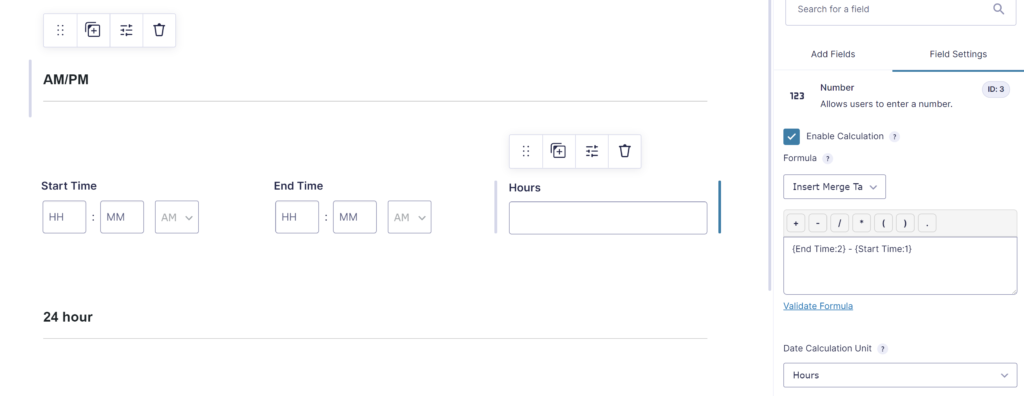
The Add-on adds extra Merge Tags that are availabe for Number Field calculations. In this example we’ve added the End Time Merge Tag and substracted the Start Time Merge Tag.
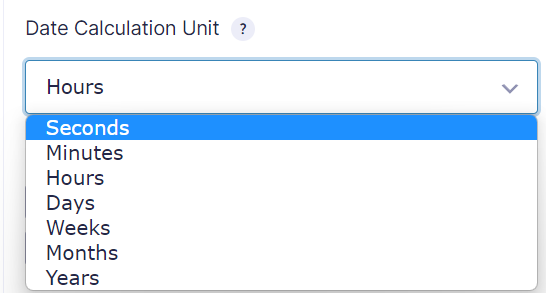
Once you add a Time Field Merge Tag to your calculations, an extra dropdown comes available to pick how you want to show the result: Seconds, Minutes, Hours, Days, Weeks, Months, Years.
Calculating days, months, years in between Date Fields
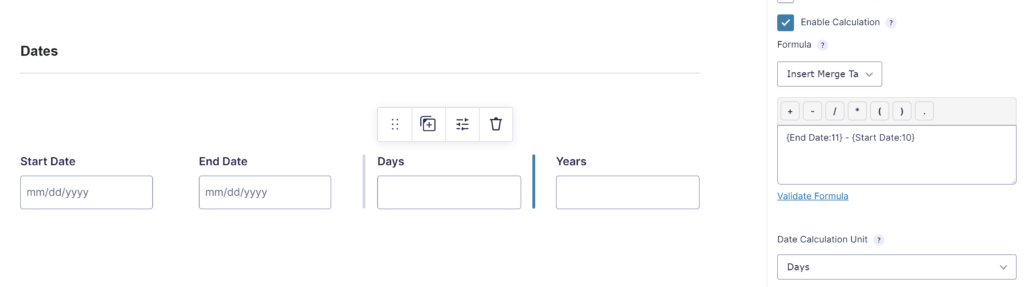
With the same approach you can calculate the difference in between Gravity Forms Date Fields:
Rounding minutes, hours, days, months, years
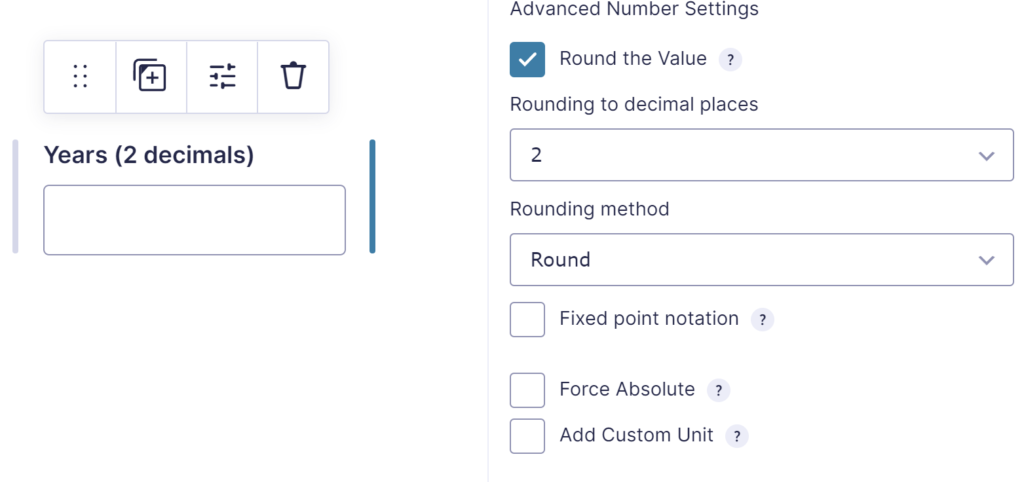
With the Advanced Number Field Add-on you can easily round the calculation result.
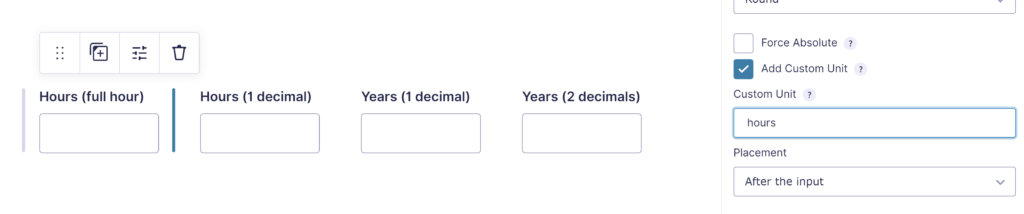
You can also add a Custom Unit to the calculation Number Field (like hours, days):
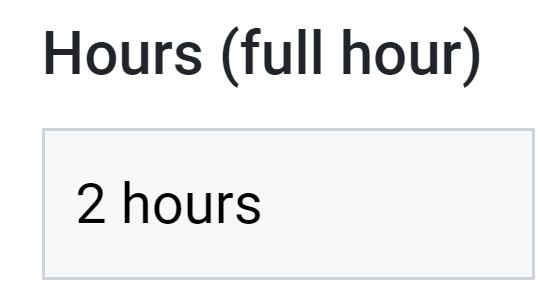
Which will result in:
Read tutorials about

Gravity Flow Form Submission Step Tutorial
The Gravity Flow Form Submission step pauses a workflow until another form is submitted, then continues once the handoff is complete. This guide shows how to connect two forms, prefill fields with mapping, send the correct secure link, and troubleshoot the most common “workflow didn’t move” issues.

Gravity Flow Delete an Entry Step Tutorial
The Gravity Flow Delete Entry step lets you trash or permanently remove Gravity Forms entries as part of a workflow. This guide covers the key settings, scheduling options (delay or date-based), and safe testing tips so you can follow retention and privacy rules with confidence.

Gravity Flow Update Fields Step Tutorial
The Gravity Flow Update Fields step pulls values from another entry and writes them into the current entry, so your workflow can route using “live” data. This tutorial covers source form selection, entry lookup with filters and sorting, field mapping, and quick testing.

Gravity Flow Update an Entry Step Tutorial
The Gravity Flow Update Entry step lets you update an existing Gravity Forms entry using a stored Entry ID and field mapping. This guide shows a simple parent-child setup where a Task Tracker workflow pushes status updates back into the original Request Form entry.

